Entity Validation
Review Responses from Melissa
To view responses for addresses returned from Melissa, either:
-
Review responses for a single address:
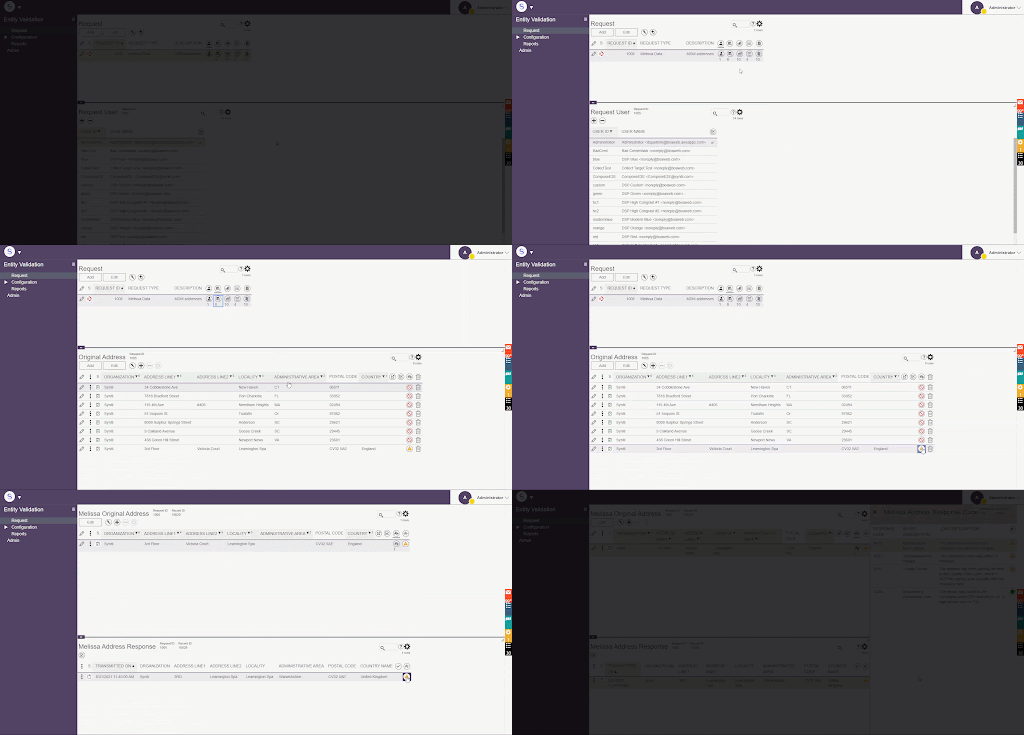
Or
-
Review responses for all addresses within the request with a specific response type, such as error or warning:
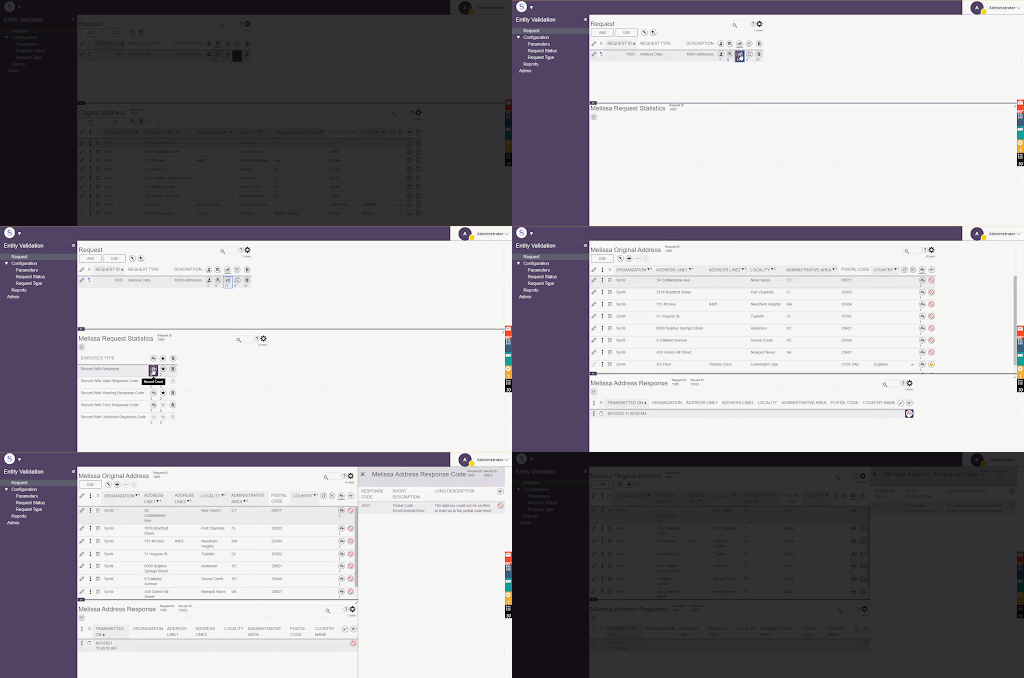
Or
-
View requests sent within a single batch (record count for batch is controlled by the Melissa Max Request Records field on the Parameters page) by clicking the View Transmission icon for the request. Each transmission (i.e., when the request was processed) displays with a link to view all addresses within the request.
NOTE: To expedite the process of reviewing responses from Melissa, users can generate an address report. This report shows users an easy way to see old and new addresses in order to note differences.
If the result is an error, consult with the business owner to correct the addresses.
If the result is a warning, consult with the business owner to determine whether or not a correction needs to be made.
From here, either
-
Make changes to the original address if needed. If there are several addresses that are being processed, fix and approve those that are finished and work through the rest of the list. Users can either edit addresses through Entity Validation or utilize Excel Integration to upload, process and edit addresses.